Another table is ordering. The kitchen is in full swing. And you stay with your guests. Megara brings orders, the kitchen and payments together in a workflow shaped around your business.
For restaurants and food service businesses of every size.
Great hospitality works together.
MEGARA / RestaurantsFrom the first hello to the final receipt.
Table · Order · Kitchen · Payment
With your guests
Take orders and requests at the table.
With your team
Connect the kitchen and front of house.
In your hands
POS data on your local server.
01 / AN EVENING WITH MEGARA
Many small steps. One smooth service.
Explore a typical visit. Behind every step is a system that supports your team from seating to payment.
The right table. The whole venue in view.
Reservations, available tables and open orders belong together. Megara represents your areas, from the dining room and terrace to the next floor. Your team finds the right table and continues where the guest is seated.
More on reservations and areas
Tables and reservations help you prepare for visits and assign open orders. Areas can be organised separately. When guests move, ordered items can be transferred to the appropriate table. We discuss online reservations and their handover based on your booking process.
Your restaurantTable plan · Example workflow
RestaurantTerraceUpstairs
01
02
03
04
05
06
07
08
AvailableOccupiedReserved
Listen. Tap. The request comes too.
Two pasta dishes, one without Parmesan, and the starter first: capture items, quantities and requests at the table. Images, item options and personal shortcuts help your team choose quickly.
More on items, extras and shortcuts
Options add a suitable choice to an item, such as a side, sauce or size. Notes stay with the ordered item. Personal shortcuts are brief entries for frequently ordered items. A carefully configured menu makes them more useful, while your team can still browse the item selection.
Your restaurantTable plan · Example workflow
RestaurantTerraceUpstairs
01
02
03
04
05
06
07
08
AvailableOccupiedReserved
The kitchen knows what comes next.
Orders reach the intended preparation area. The digital kitchen display keeps table, course and requests together. Staff mark items as in preparation and then ready.
More on working with the kitchen
The digital kitchen display shows outstanding quantities and how long an order has been waiting. Ready items can be completed; deferred tickets remain accessible. We configure which items appear in the kitchen, bar or another preparation area for your business.
Your restaurantTable plan · Example workflow
RestaurantTerraceUpstairs
01
02
03
04
05
06
07
08
AvailableOccupiedReserved
A meal together. An easy finish.
One guest pays for their items, the others pay together. Megara supports separate bills, tips and suitable receipts. Cash and connected payment devices fit into the same workflow.
More on bills and payments
Items can be assigned to guests and moved when needed. The bill includes the selected items and payment methods. Card, contactless and smartphone payments require a supported provider, compatible devices and the relevant setup.
Your restaurantTable plan · Example workflow
RestaurantTerraceUpstairs
01
02
03
04
05
06
07
08
AvailableOccupiedReserved
02 / DIGITAL KITCHEN DISPLAY
Busy kitchen. Clear overview.
Which orders are waiting? What is being prepared? What is ready to go? The digital kitchen display shows your kitchen team every order on one screen – with tables, quantities, courses and special requests. A tap keeps each item’s status up to date. Identical dishes can be grouped across multiple orders.
Understand timings. Run a more efficient business.
Megara records how long a dish takes from appearing on the kitchen display until your team confirms it is ready to serve. These measurements build time guidelines that gradually adapt to your day-to-day operation. If an order takes longer, the optional timing display highlights it.
For example: The guideline for a schnitzel is twelve minutes. After sixteen minutes, it is still waiting on the kitchen display. Your team can spot the delay and check what is causing it.
This also supports business decisions:
Put support where it is needed:
See where orders are building up and extra hands are needed right now.
Improve your workflows:
Use recurring delays as a reason to adjust preparation and how tasks are shared.
Make more informed menu choices:
Together with your sales figures, assess which popular dishes put the most pressure on your kitchen workflow. Which frequently ordered dishes combine good revenue with quick turnaround times?
A clear view of your orders becomes a better understanding of your business – and a basis for making more effective use of your team’s time.
03 / FOUR WAYS TO ORDER
Your service. Your guests’ choice.
With a member of staff at the table, directly at the counter, on their own smartphone or at an ordering terminal: Megara brings together the ordering options that suit your business. Items, selected extras and orders all come together in your POS system. Your team can focus on advice, preparation and serving.
01
At the table
Close to your guests. Straight into the system.
Your server opens the table on a mobile device and takes food, drinks and special requests while talking to the guests. Devices connect to the local POS server through your business network. There is no need to transfer notes from a waiter’s pad later or make an extra trip to a fixed till.
How it works in everyday service
Two guests at table 12 each order a cola, along with a schnitzel and a pasta dish. You can assign the items to each guest straight away, add the side dish and send the order. Depending on your setup, drinks go to the bar and food goes to the kitchen.
Example workflow
Table 12
Guest 1
Cola · Schnitzel
Guest 2
Cola · Pasta
Bar2 colas
Kitchen1 schnitzel · 1 pasta dish
Forwarded according to your setup. Extras and notes stay with the dish.
Each guest keeps their order.
Within a table, you can assign items to individual guests and give guests names. This makes it clear who ordered what and helps when it is time to split the bill.
The right information reaches the right place.
Items can be assigned to the appropriate preparation or serving stations. Once sent, orders appear on the assigned order printers or kitchen display. Requests and selected options stay with the dish, without the kitchen or bar having to enter them again.
Courses stay together.
Dishes can be assigned to a course and grouped accordingly on order tickets. The kitchen can see which dishes belong together, making coordination with service easier.
Your team can support each other.
With the appropriate permission, colleagues can add orders to the same table. Another round of drinks does not have to wait for the original server.
Special requests are recorded straight away.
Configured sides and extras can be selected with the dish. Your server adds individual requests as text. The information stays with the right item, so nobody has to remember it until their next trip to the kitchen.
02
At the counter
A smooth flow. On both sides of the counter.
At the counter, a continuous process matters: choose, record requests, take payment and hand over the order. Megara connects these steps. Your team works with configured items and prices, while the kitchen or drinks station receives the orders assigned to it.
How it works in everyday service
A guest orders a cola and a schnitzel to take away. Your colleague records both items and the side dish at the counter. The cola can be handed over immediately, while the schnitzel goes to the kitchen. With numbered orders configured, an order number identifies the purchase at collection.
Example workflow
Order024
Takeaway
1 colaBar
1 schnitzelKitchen
Order
Pay
Collect
With numbered orders and order-number printing configured.
From selecting an item to taking payment.
For counter service, payment with a preset payment method can start immediately after the order is sent. Frequent sales then need fewer selections and screen changes.
Cash payments are easier to complete.
The optional change calculator works out the change from the bill total and the cash received. Your team does not have to calculate the difference in their heads, even with several items.
Order numbers organise collection.
With numbered orders configured, Megara assigns an order number and can print it. Orders and collection can be matched clearly, especially when several guests are waiting for similar dishes.
Takeaway is part of the transaction.
Takeaway sales can be taken into account at checkout and preselected for the relevant sales areas. Recurring workflows at a takeaway or collection counter can be configured accordingly.
Taking payment and preparing orders work together.
You decide which items go to which station. The counter records the sale while the kitchen and drinks station receive the information intended for them. There is no need for additional handwritten kitchen notes.
03
On a smartphone
Another round? Straight from their own phone.
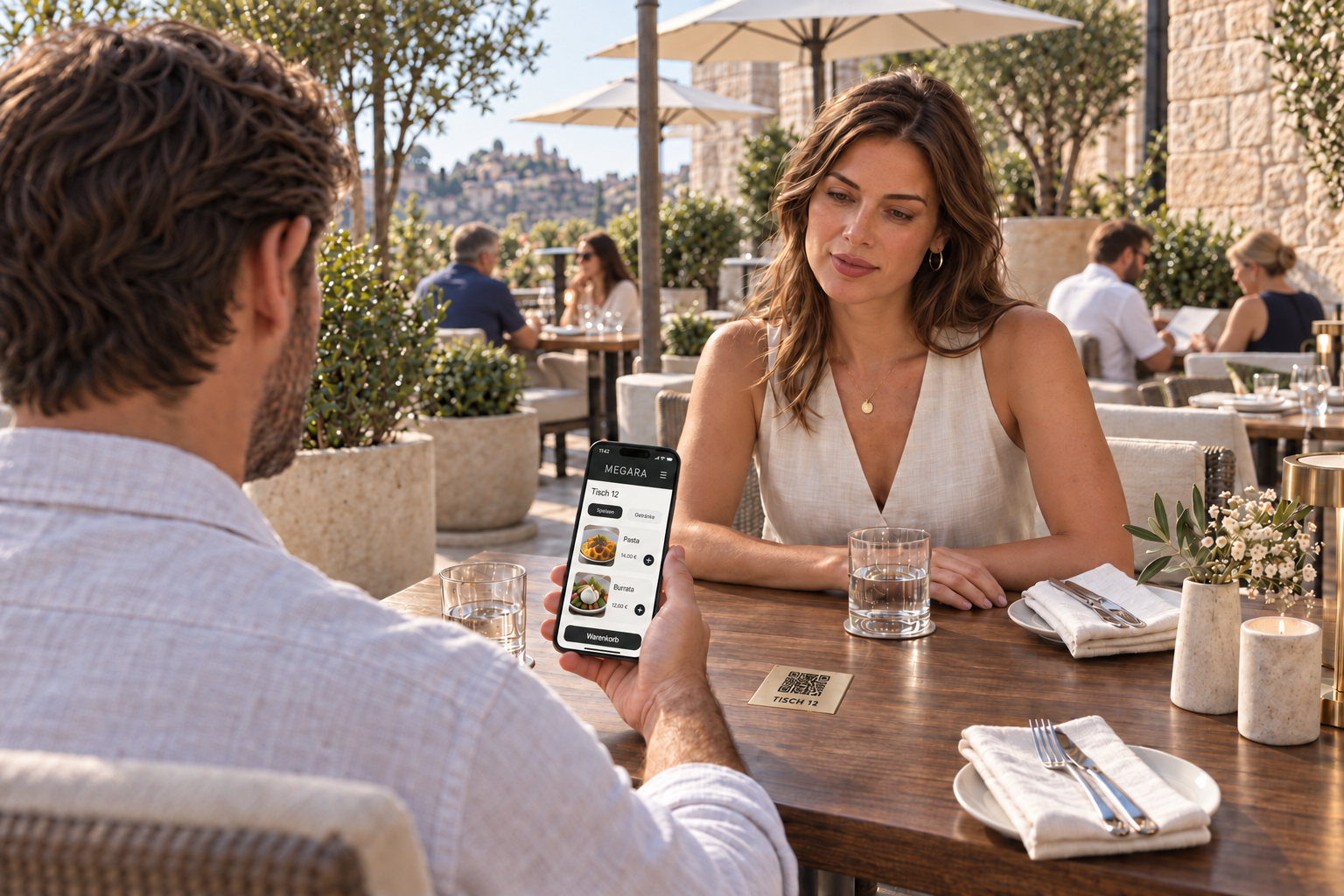
Guests scan the QR code at their table and open your configured menu in their smartphone browser. No additional guest app is required. They select food and drinks, add the available extras and review their choices in the basket.
How it works in everyday service
A guest on the terrace would like another cola and a portion of fries. They open the menu using the table’s QR code and select the items and an available sauce. The QR code has already assigned the table. Once the configured ordering and payment process is complete, the order is in your POS system.
Example workflow
Terrace · Table 12Anything else for the table?
1 cola
1 portion of friesSelected sauce: ketchup
Check items, choices and total
Continue to payment↗
Example with online payment configured. Order in the browser, without an additional guest app.
The table is already known.
The QR code is assigned to a table and an area. Guests do not have to enter the table number themselves, helping orders reach the right place.
Your menu becomes easy to explore.
Items can appear with pictures, descriptions and prices. Guests can see what is available and select configured sides or extras themselves. This makes choosing easier and brings additional options into view.
Guests can check everything before completing the order.
The basket shows items, quantities, selected options and amounts. Quantities and selections can be changed before completion. Guests check their own order before committing to it.
Payment fits your process.
The payment options shown are configured for the relevant area. With online payment connected, guests pay through the designated payment provider. Available methods depend on your integration and their activation.
Orders and receipts stay connected.
Items are processed in the POS system and forwarded to the relevant stations according to your setup. After successful payment, guests can open their invoice in the overview and download it as a PDF.
Public QR access and online payment require a working internet connection and the relevant services to be configured.
04
At a terminal
More room to choose. More breathing space at the counter.
Guests put together their own order at the self-order terminal. They browse the available selection, choose suitable extras and check their basket on a screen you provide. They do not need their own smartphone.
How it works in everyday service
A family selects drinks and main courses at the terminal. Each dish shows the configured options. They then check quantities and the total and complete the transaction using an available payment method. Your team takes care of preparation and serving.
Example workflow
WelcomeWhat would you like today?
Drinks
Main courses
✓Side dish selected
Review order↗
Guests make their choices. Your team handles advice, preparation and serving.
A menu that is easy to navigate.
Organise the selection into suitable categories, such as drinks, main courses and desserts. Item pictures, descriptions and prices help guests find their way and choose at their own pace.
Options guide guests through the dish.
Configured option groups show choices such as sides or sauces. Required selections are checked before the item is added. This helps capture complete orders without staff having to ask about every detail.
Payment options to suit the location.
Depending on the equipment and setup, guests can use connected card payment or a process with cash payment at the counter. Megara displays the enabled options. Ordering at a terminal does not automatically mean every guest has to use a card.
Preparation without retyping the order.
The order is processed in the same POS system. Items and options reach the kitchen or serving station through the configured station assignments. Your team receives a selection that has already been entered and can concentrate on preparing it.
Receipts and collection are included.
A compatible printer can issue receipts. Waiting numbers can also be printed for an appropriately configured collection process. Guests can identify their order at collection without repeating its entire contents.
The terminal, printer and payment connection are matched to your business. External payment services need the connection required by the provider.
SHORTCUTS / AT THE TABLE AND COUNTER
Your shortcut to taking orders.
With shortcuts, you enter frequent orders using short item codes and quantities – much like jotting them down on a waiter’s pad. Your entry becomes an order directly in the POS system.
Two guests each order a cola, along with a schnitzel and a pasta dish. With the corresponding shortcuts configured, enter co 2 sn 1 pa 1. Megara adds two colas, one schnitzel and one pasta dish to the order.
Example · configured item shortcuts
co
Cola
sn
Schnitzel
pa
Pasta
Short entry
co 2 sn 1 pa 1
Recorded as an order2 colas · 1 schnitzel · 1 pasta dish
Shortcuts that suit your team.
Use shared or personal shortcuts. We configure them together to match your menu and the way your team works. Frequently ordered items become short, familiar entries.
Less searching. More conversation.
Staff who know the shortcuts do not have to search the menu for frequent items each time. This makes it easier to enter several items at the table and recurring orders at the counter.
The regular item selection remains available. Use the relevant functions to assign items to guests and add sides or special requests. The shortcut example alone does not assign items to individual guests.
EXTRAS AND SPECIAL REQUESTS / A SHARED FOUNDATION
Individually ordered. Completely recorded.
Whether your team takes the order or guests choose for themselves, configured item options give requests a clear structure. Sides, sauces and extras stay connected to the relevant dish. At a staffed till, individual requests can also be entered as free text.
How it works in everyday service
A schnitzel with fried potatoes and sauce on the side: the side dish is selected as an option and any configured surcharge is included. The server adds the sauce request to the dish. For self-ordering, you can offer a recurring request as a selectable option.
Example order · Table 12 · Guest 1
1 schnitzel
Side dish
Fried potatoes
Service note
Sauce on the side
✓The configured surcharge for the side dish is included.
Dish, side and note stay together all the way to the assigned station.
The choices fit your menu.
You decide which options belong to which item. Common combinations can be preselected, giving each order a sensible starting point. Only what the guest wants differently needs to change.
Required selections help prevent gaps.
If a side dish is required, Megara checks that it has been selected. Selection limits can also be set for option groups. This supports complete orders and helps avoid questions before preparation.
Surcharges are included.
An option can have its own price, which can also depend on the main dish. The same side may be included with one dish and cost extra with another. Selected paid options are included in the order total.
Notes stay with the right dish.
Service notes and selected options are assigned to the item and passed on with the order. A text note alone does not automatically change the price. Chargeable requests are therefore recorded using appropriately configured options.
Pictures help people recognise items.
Sides and extras can also have pictures. Together with clear names, they make selection easier and support staff who do not yet know your entire menu.
Extras count towards stock usage, too.
If two guests order their burgers with extra cheese, Megara also accounts for this additional stock usage. For example, with 20 grams of cheese configured for each extra, a total of 40 grams is deducted from the assigned stock. This requires the relevant stock items and usage quantities to be configured. You can keep track of stock usage even for customised orders and plan your purchasing more accurately.
↗
Four ways. One well-planned business.
Table service in the restaurant, direct sales at the counter, QR ordering on the terrace and a terminal for busy periods: combine the options to suit your needs. Menus, station assignments and payment are configured accordingly. Megara can connect your workflows and support your team where it matters in everyday service.
04 / PAYMENTS & RECEIPTS
A good evening deserves an easy finish.
One guest covers the table. Two pay separately. Dessert is shared, and the bill is paid partly in cash and partly by card. With Megara, you create the right bill from the orders already recorded. Payment amounts, tips and receipts stay linked to the transaction.
01
Separate or together. Right down to the last dessert.
You can bill an entire table, a single guest or selected items. If food and drinks have already been assigned to guests, you use that assignment at payment. If the group decides at the end, you move the selected items to the respective guest.
A guest wants to leave early? You settle their selection. The remaining orders stay open.
Example bill
Here is what the bill for two guests could look like:
Order
Guest 1
Guest 2
One cola each
€4.00
€4.00
Schnitzel or pasta, respectively
€22.00
€18.00
Shared dessert
€4.00
€4.00
To pay
€30.00
€26.00
If one guest covers everything, you settle the entire table for €56.00.
You can also split a single dish: select the item and the number of portions to split the bill into. Megara creates the partial items, which you then assign to the guests. An €8 dessert shared by three people results in €2.67, €2.67 and €2.66. The original total is preserved.
02
One bill. Two payment methods.
A guest wants to pay partly in cash and the rest by card? Use “Additional payment method” to choose a second method and enter the corresponding amount.
Example bill
Cash
€20.00
Card
€36.00
For a €56 bill, for example, you can record €20 in cash and €36 by card. Both payment amounts stay linked to the same bill and can be checked later.
This combination is available for payment methods configured to support it; individual device integrations have their own restrictions.
03
The bill amount goes straight to the card terminal.
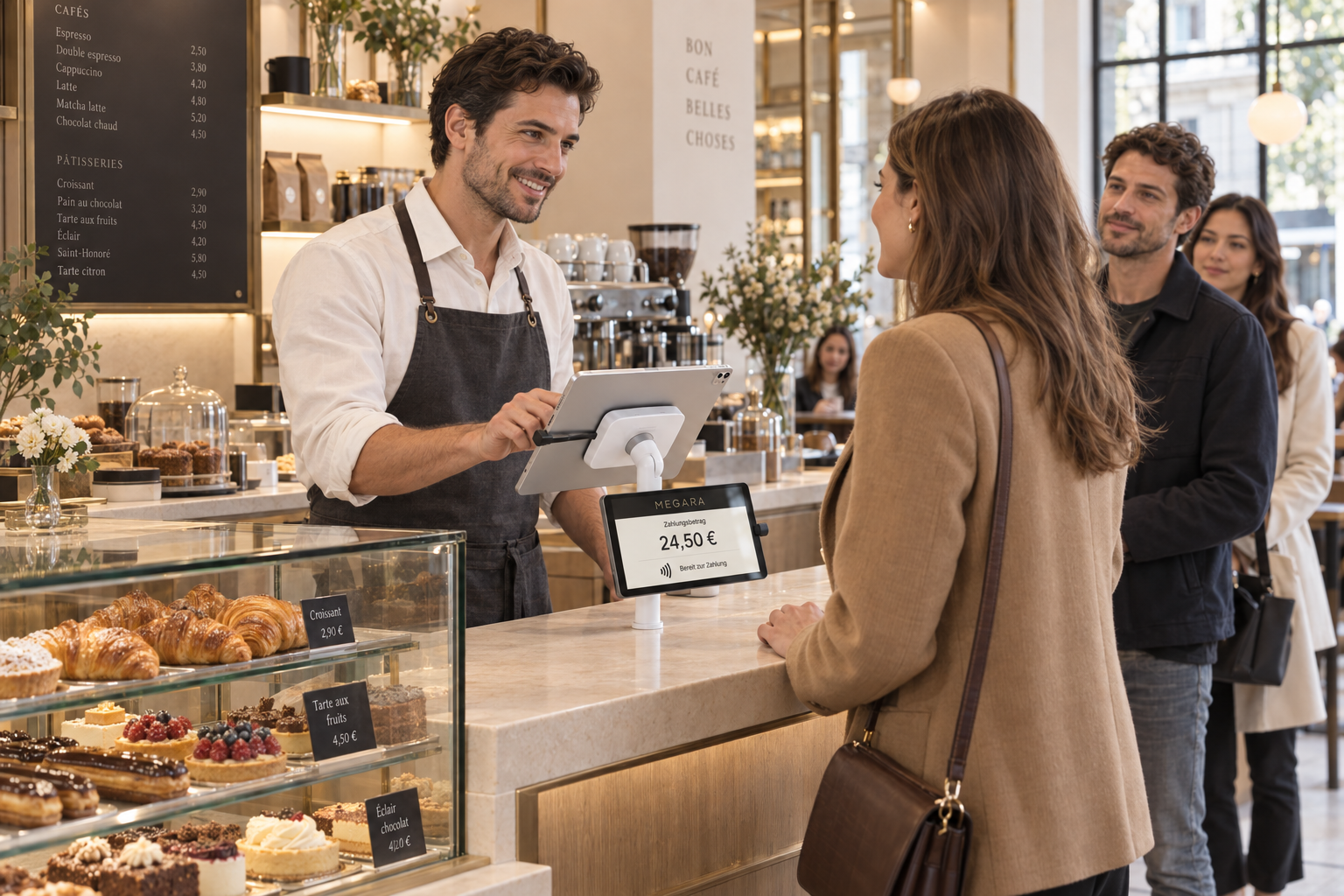
With a terminal integration configured, Megara sends the payment amount to the card reader and processes its response. Your colleague does not have to enter the amount again on the terminal.
Contactless payment by card or smartphone uses the methods supported by the terminal and payment provider. In the QR ordering flow, guests can also pay on their own smartphone through the configured online payment service.
04
“Make it €32.” Megara does the maths.
The bill is €30. The guest would like to pay €32 in total. You enter this total amount; Megara calculates the €2 tip and records it separately from the bill amount.
Terminal integrations with a supported tipping function can also pass on the amount entered at the card reader.
For cash payments, an optional change calculator works out the change from the amount due and the cash received.
Example bill
Bill amount
€30.00
Tip
€2.00
Total amount
€32.00
05
The receipt your guest needs.
Receipt
A4
PDF
Email
Megara can issue bills as a compact receipt, in A4 format or as a PDF. Printers and PDF output are configured for this purpose.
PDF output offers “Save as PDF” and “Send by email”. In the QR ordering flow, guests can view and download their bill after successful payment.
Receipts are created from the items already recorded. There is no need to put together food, drinks and amounts again.
06
Business meal? The fields are ready.
The business dining receipt adds fields for the people entertained, the occasion, place or date, and signature. Stored customer details, including company and billing address, can be used as the invoice recipient.
If the guest asks for a business dining receipt after paying, you can print it for the existing bill.
07
The bill stays accessible after payment.
In the staff settlement view, you can select an existing bill, display its items and issue a copy. PDF output and a business dining receipt are also available from this flow.
When issuing a credit note, Megara references the original invoice. Among other checks, the system verifies whether a credit note has already been issued. Refunds through a card terminal require the supported refund process for that integration.
08
End the day with a clear overview.
The staff settlement view groups recorded payments by payment method. Tips are shown separately. From the overview, you can open individual bills and their items.
The daily report also breaks down payments by staff member and payment method. It additionally shows the average revenue per bill and, when the number of people has been recorded, the average revenue per guest.
09
Use existing transaction data for DATEV.
Megara generates a DATEV export file for a selected period. It includes amounts, document dates, invoice numbers and the configured accounting codes. Assigned cost centres are taken into account, and tips can be included using a separately configured account.
The file is then ready to be imported into your accounting system.
All prices shown are examples.
05 / BUILT AROUND YOUR VENUE
Your POS stays close to your business.
POS data is stored on your local server. Within the configured internal network, local POS operations can continue even if the internet connection fails.
Local operation requires a working server, power supply and internal network. Online reservations, public QR ordering, external services and many payment methods still require internet access.
Planning reliability together
From a small venue to a large terrace, we review network coverage, devices and servers. For larger sites, we can also plan a redundant server solution. This is a separately configured option and does not replace backups or a tested procedure for disruptions.
Mobile POS
Kitchen & service
Sales counter
●Your local server
POS data at your venue
06 / BEHIND THE SCENES
Smooth service out front. Stock in order behind it.
A good evening starts long before the first order. Megara connects stock management, storage and stocktaking with information from your sales.
Stock & purchasing
Know what you have. Before you run out.
The bar needs restocking. The kitchen is planning for the weekend. And the next delivery is already at the door. Megara connects purchasing, stock and sales – so you can keep an eye on your supplies as well as your guests.
01
A delivery. Clearly recorded.
You ordered 48 bottles of cola, but only 36 arrive in the first delivery. You enter the quantity received and Megara increases the stock in the selected storage location. The remaining twelve stay outstanding. Even with partial deliveries, you can see what is missing and follow up with your supplier.
Example · Cola delivery
Ordered
48bottles
Received
36bottles
Outstanding
12bottles
02
Ordered at the table. Accounted for in stock.
Two colas, two burgers: with the relevant items and ingredient quantities set up, Megara records two bottles, two buns and, for example, 360 grams of meat as stock usage.
Ingredients assigned to extras can also be included. You can see the calculated stock usage behind your sales – a useful basis for purchasing and stocktaking.
Example · configured ingredient quantities
Order2 burgers
Configured ingredientsEach: 1 bun · 180 g meat
Recorded stock usage2 buns · 360 g meat
03
Supplies where you need them.
The cellar, kitchen and bar can each have their own stock levels and minimum quantities. This helps you see whether to place an order or simply bring supplies up from the cellar. Low stock is highlighted.
For your next supplier order, Megara can compile recorded stock usage for a period you choose. Use last week as a starting point, for example, and adjust the quantities to suit your upcoming reservations. This saves preparation time and helps you buy according to demand.
04
A small price change. A noticeable difference.
When recording a delivery, you can see whether the purchase price you enter has risen or fallen compared with the stored price. This helps you review supplier terms and your pricing in good time.
Example calculation
20 cents more per bottle× 800 bottles
= 160 euros
in additional purchasing costs
Stocktaking & checks
Count your stock. Plan with confidence.
What does the system show? What is actually on the shelf? Megara helps you record your supplies, spot differences and build a reliable basis for your next order.
01
Scan. Count. Record it there and then.
Find the right item using its stored barcode and enter the quantity on hand. Recording counts on a mobile device saves you from transferring handwritten lists later.
Work by storage location and product group. Megara also records who counted each item and when, making it easier to resolve questions.
Example · mobile stocktaking
ColaBarcode matched
Quantity counted45 bottles
02
Open bottles count, too.
Enter full bottles as a unit count. For open bottles, Megara can calculate the remaining quantity from the weight you enter, provided the relevant weight data has been configured. This makes it easier to count drinks served by the glass.
03
Spot differences. Investigate the causes.
A stock transfer that was not recorded, breakage or an unrecorded withdrawal: the comparison shows where a closer look may help. Repeated differences in ingredients can also be a reason to check portion sizes and configured recipe quantities.
Stocktaking helps you identify avoidable stock losses and improve your day-to-day processes.
Example · Cola at the bar
Stock according to the system
48 bottles
Actual count
45 bottles
Difference to investigate
3 bottles
Move forward with checked figures.
When you complete the stocktake, Megara uses the recorded quantities as the new stock levels and documents the adjustment. You can export the result as a table for further analysis, including stored purchasing and supplier data.
All quantities and amounts are examples.
07 / CLARITY IN DAILY OPERATIONS
Know what works. See what needs attention.
Revenue alone does not tell the whole story. Transactions, product groups, employee sales and stock movements help you understand your business in greater detail.
Reports that help you act
Compare sales and product groups, review employee sales and check the daily close. See what is popular and which transactions deserve a closer look.
Connect orders and dispensing
A suitably connected dispensing system can tie output to booked quantities. This supports dispensing control; the available functions and operating mode depend on the system and its setup.
Trace changes
Voids, transfers and closing reports deserve a clear view. Permissions and traceable transaction data support operational control.
POS data for bookkeeping
TSE integration and accounting exports are part of configuring the POS. TSE is the German technical security system for POS records. Together, we clarify the requirements that apply to your location.
Connected well. Configured with care.
Existing connections include Mollie and SIX, for example. We review Tap to Pay, other local payment providers, online shops and delivery services for your location. Available interfaces and provider contracts determine what can work together.
One visit can lead to the next.
Vouchers, customer cards and credit balances complement your sales. QR-based identification and suitable online functions make them easier to use. Whether selling, topping up or redeeming, we configure the process around your offers.
08 / YOUR BUSINESS SETS THE PACE
From the first row of tables to the largest terrace.
At dinner, attention at the table matters. On the terrace, every trip counts. At a food truck, orders need to stay clear even when several guests are waiting at once.
Megara connects order taking, service, billing and stock. You use the functions where they make your day easier – suited to your space, your menu and your team.
01 / Restaurant
Attentive at the table. Clear throughout service.
Two guests order at the same time. One wants their sauce on the side, the mains follow the starters, and later each guest wants a separate bill. With Megara, your team records these requests directly with the order.
Every order has its place.
You record food and drinks on a mobile device and assign them to the table and the individual guest. At payment, you can use those assignments or reassign individual items.
That keeps it clear who ordered what. Your server does not have to ask everyone about all their drinks and dishes again when taking payment.
An everyday example
Here is what an order at table 12 could look like:
Guest
Starter · Course 1
Main · Course 2
Guest 1
Tomato soup
Schnitzel, sauce on the side
Guest 2
Small salad
Pasta with extra cheese
The courses follow your service.
You can assign dishes to a course as you take the order. To coordinate with the kitchen, you can send preset messages, such as a request for the next course. The message is linked to the table and the selected course.
Your team can manage the flow from the dining room, saving a separate trip to the kitchen just to pass on that message.
Special requests can make financial sense too.
Sides, sauces and extras are recorded with the dish. Stored surcharges are included in the order. Item options can also reduce stock when the relevant goods and consumption quantities have been configured.
The extra cheese is linked to the right dish, charged at the stored price and can also be reflected in stock. This helps you charge for extras consistently and record actual consumption more accurately.
The evening leaves you with a clear overview.
The daily report shows average revenue per bill. If your team records the number of guests, you can also compare average revenue per guest.
02 / Terrace & multiple floors
Your guests sit everywhere. Your overview stays together.
The terrace is filling up, a party is starting upstairs and regular service continues in the restaurant. Megara represents these areas separately and connects them to their configured ordering and service stations.
Three areas. One connected venue.
Upper floor
Restaurant
Terrace
Example layout; table plans and service stations are configured for your venue.
Recognise your rooms in the POS.
The restaurant, terrace and upper floor can be set up as separate areas with their own tables. Visual table plans can be linked to the relevant areas, tables and seats.
Your team selects the appropriate area and works with its assigned orders. This makes it easier to find their way, especially when several rooms are being served at once.
The order takes the direct route.
Your staff take orders where guests are seated. Configured assignments send drinks to the bar and food to the kitchen, for example. Different service stations can be assigned to different areas.
An additional terrace bar can therefore become part of the flow. Your servers save trips to a fixed till and do not have to relay orders again.
When guests move, their order moves with them.
A brief shower sends a group indoors. You can move their open items to the new table, including the associated item options.
There is no need to take the order again. Billing stays clear even when guests change tables at short notice.
Example: changing tables
Terrace · Table 18
↓Restaurant · Table 6
The orders already recorded are assigned to the new table.
Guests can order the next round themselves.
With a table QR code set up for this purpose, guests order on their smartphone. The order receives the stored table assignment and enters the configured workflow.
This can ease the load on your servers across larger spaces: an additional order need not wait until their next round through the outdoor area.
See the figures for each area.
You can analyse recorded sales for individual areas over a selected period. The report can also be narrowed down to a specific table.
03 / Takeaway & food truck
Busy service. Limited space. Every action counts.
At the serving hatch, orders, special requests and payment often come together. Megara helps you record that information in one flow and identify each order clearly afterwards.
Example: ordering at the serving hatch
Order
024
1 burgerextra cheese
1 burgerno onions
2 portions of fries
Example of an order with an order number.
Ordered often. Entered quickly.
Items can be entered through the regular selection or through configured shortcuts – much like writing on a waiter’s pad. Common extras such as cheese, sauces and sides are available as item options. You add special requests directly to the dish.
Your team does not have to search through several item groups for the same frequent orders. Stored surcharges are taken into account when an option is selected.
One number connects ordering and collection.
For an ordering area configured for this purpose, Megara can automatically assign an order number and print a corresponding slip. This makes it easier to match orders when several are being handled at once.
Staff can use the number and the order contents when handing over the food. Similar orders stay distinguishable, and special requests remain with the relevant item.
Eat in or take away is part of billing.
Megara includes a takeaway selection. Billing applies the settings stored for that purpose; items with a fixed tax rate are handled separately.
Your team can complete the sale through the intended process. The settings appropriate to your menu are established during setup.
Your guests can enter their own orders too.
At a configured self-order terminal, guests select items and the available extras themselves. A suitably configured QR ordering flow allows selection on their own smartphone. Both can complement ordering with a member of staff.
Digital orders enter the configured POS and service flow. Your team does not have to type them in again and can focus on helping guests and handing over orders.
The amount goes straight to the card reader.
With a terminal integration configured, Megara sends the payment amount to the card reader and processes its response. Contactless payment by card or smartphone uses the methods supported by the device and payment provider.
Your team saves the second amount entry at the terminal. This avoids discrepancies caused by incorrectly typed totals.
Your stock travels with you. So does control.
A food truck can be managed with its own stock. Goods receipts and stock transfers record what has been loaded or replenished. Sales and item options can reduce stock using configured consumption quantities.
When counting, you can then compare the recorded stock with what is actually there.
Every venue has its own character.
Start with the requirements that make your business different.
We get to know your business, configure Megara with you and support your team day to day. With personal advice, on-site training and help when it matters.
Available 24/7
Telephone and online support.
At your venue
Training, advice and emergency assistance.
Prepared together
Workflows, devices and setup from one team.
FAQ / GOOD TO KNOW
What else would you like to know?
Which hospitality businesses is Megara suitable for?
Megara is designed for restaurants, cafés, bars, ice cream shops, takeaways and food trucks, as well as larger food service businesses with multiple areas. The combination of POS, mobile ordering, digital kitchen display and additional ordering routes is selected around your venue.
Does Megara work without internet access?
Local POS operations can continue within the configured internal network without internet access. The local server, network and power supply must remain available. Public online ordering, external services and many payment methods still depend on internet connections.
Do guests have to order for themselves?
No. Personal service remains available. QR ordering and SelfOrder are additional routes you can introduce in suitable areas. We discuss where they can support guests and staff, and where personal contact should remain central.
Can tables and bills be split?
Orders are assigned to tables and guests. Items can be moved, and selected items can be billed separately. This allows staff to handle table changes and different payment preferences during service.
How do special requests reach the kitchen?
Item options and notes travel with the ordered item. The digital kitchen display keeps table, course and requests identifiable. Routing to the kitchen, bar or preparation area is configured for your business.
Which payments and integrations are possible?
Cash and connected electronic payment methods can be combined. Existing connections include Mollie and SIX. For contactless payments, Tap to Pay, delivery services or further providers, we check devices, contracts, country availability and the available interface.
What matters for TSE, GoBD and e-invoices?
TSE provides technical protection for German POS records. GoBD describes German requirements for traceable digital bookkeeping and retention. A structured e-invoice differs from a digital receipt. We clarify the setup and procedures needed for your location with you and your bookkeeper.
How does switching to Megara work?
We discuss your menu, areas, devices, payments and existing data. We then plan configuration, possible data transfer and training. What can be transferred and how the launch works depend on your previous system and the data available.
YOUR NEXT GOOD EVENING STARTS HERE.
Tell us about your business.
How does your team work? Where are time and clarity being lost? We will show you how Megara can bring your workflows together.